
Best Practices for Fast CRM Deployment in Pharma Field Sales Teams
Most pharma CRMs promise quick wins but stumble once reps hit the road. You know the drill: unstable internet, scattered data, and late reports leave managers guessing and reps frustrated. This guide lays out practical steps for fast CRM deployment that gets your pharma sales team running smoothly in 30 to 60 days—with reliable reporting, real coverage, and tools reps actually want to use. For more insights, check out this guide.
Fast CRM Deployment Essentials
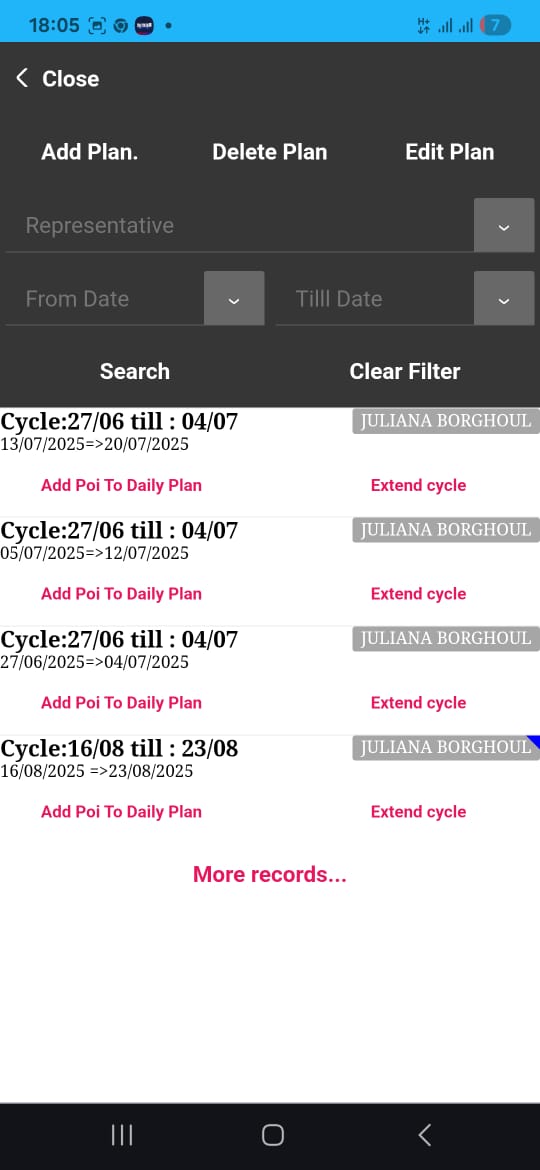
Getting your CRM up and running quickly is crucial in pharma sales. The right strategies ensure a smooth transition and fast user adoption.
Quick Adoption Strategies
Start by focusing on user-friendly features. Reps need a system they can understand and use without lengthy training. Offer interactive tutorials and quick-start guides. This helps them feel confident using the CRM from day one.
Step 1: Highlight Benefits Early: Show how the CRM saves time on daily tasks.
Step 2: Provide Practical Tools: Use route planning and call cycle features that simplify their work.
Step 3: Offer Support: Set up a help desk for immediate queries to keep momentum going.
Reliable Reporting Techniques
Accurate reporting is the backbone of effective CRM use. Encourage reps to log visits promptly. A mobile app ensures they can do this on the go. Reliable data entry is key to actionable insights.
Quick Tip: Utilize geo-verified visit logging to ensure data accuracy. This builds trust in the system.
Stat: 85% of managers report improved decision-making with real-time data visibility.
Measurable Coverage from Day One
Ensure your CRM tracks coverage effectively. Use the CRM to map territories and set visit frequencies. This helps in identifying gaps and optimizing rep schedules.
Create a dashboard for managers to oversee territory coverage. This visual representation helps in quick decision-making, reducing the guesswork involved.
CRM Rollout Best Practices
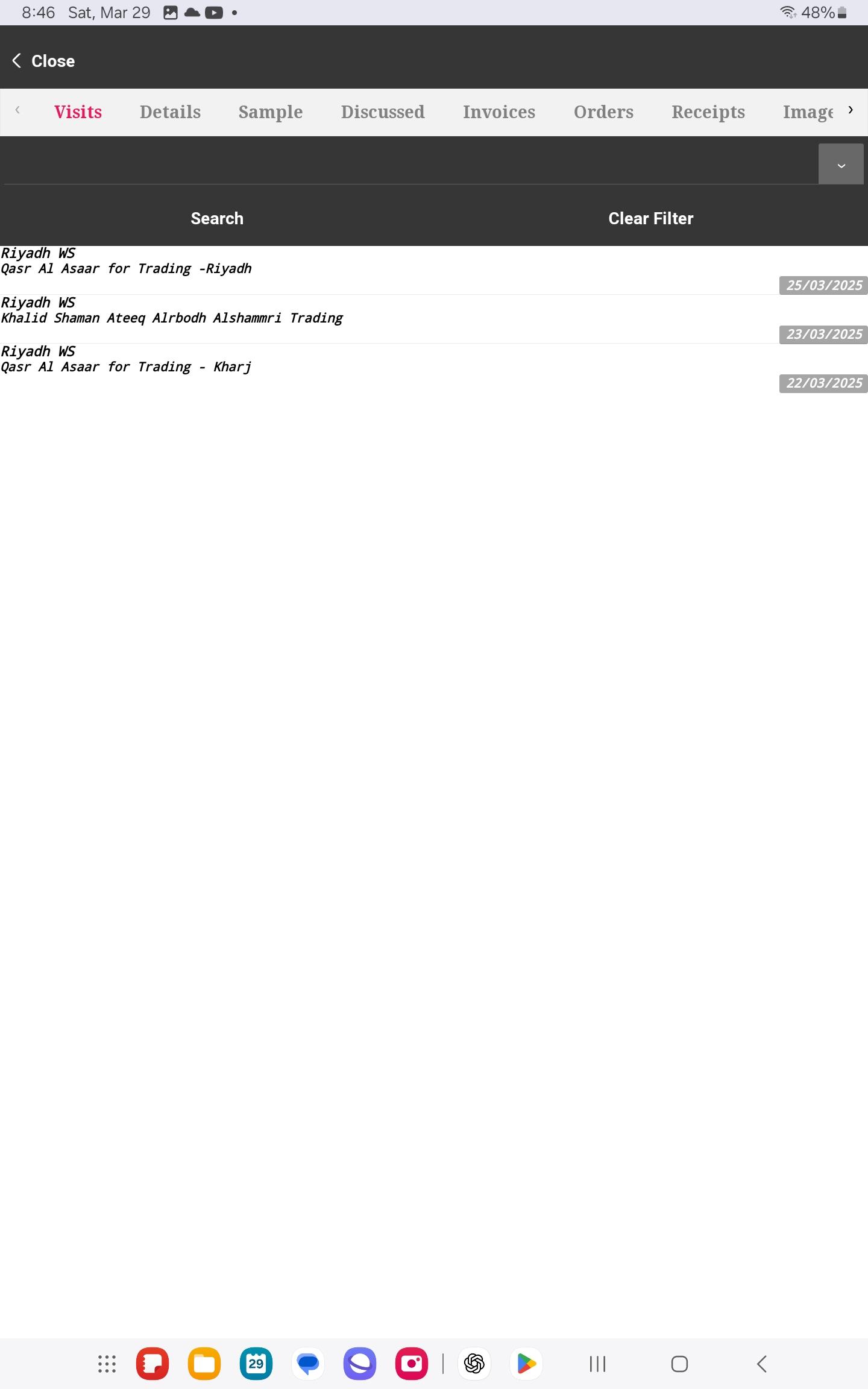
With the foundation set, refine your rollout process to ensure smooth implementation across teams.
Change Management in Pharma Sales
Change can be difficult, especially with new systems. Communicate clearly about what the CRM will change and improve. Address concerns directly and involve reps in feedback loops.
Consider this: Most people fear complexity, but with clear communication, you can ease this transition.
Role of Data Migration Templates
Migrating data is a key step in CRM deployment. Use templates to ensure data is transferred accurately. This reduces errors and ensures that all necessary information is available from the start.
Step 1: Pre-Migration Audit: Review existing data for accuracy.
Step 2: Use Pre-Designed Templates: These help streamline the migration process.
Step 3: Test Thoroughly: Before full rollout, test data to ensure everything is in place.
For more comprehensive strategies, explore this article.
Pilot Rollout for Success
A pilot rollout allows you to test the CRM with a small group before a full-scale launch. Use this phase to gather feedback and make necessary adjustments.
Quick Insight: Testing helps identify potential issues and resolve them early, ensuring a smoother transition for the entire team.
Driving CRM User Adoption
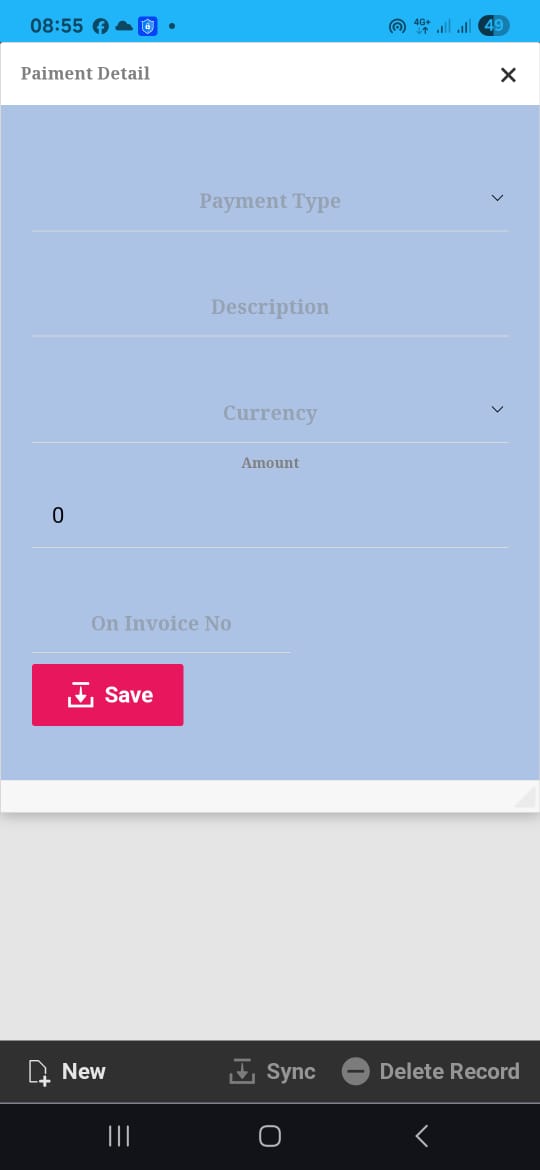
Success hinges on how well your team adopts the new CRM. Focus on features that make their lives easier.
Mobile CRM for Reps
Reps on the road need access to CRM features anytime, anywhere. A mobile app ensures they can stay productive without being tethered to their desks.
Highlight the ease of logging visits and accessing customer data on the move. This convenience boosts usage and helps reps manage their time better.
Offline-First CRM Advantages
An offline-ready CRM is indispensable, especially for reps working in areas with unstable internet connections. Data syncs automatically once connectivity is restored. This means no lost information and less frustration.
Fact: 70% of reps report higher productivity when they don’t have to worry about internet connectivity.
Manager Dashboards and Analytics
Managers need tools to track performance and make decisions. Dashboards provide an overview of key metrics, such as visit frequency and territory coverage.
Encourage managers to use these dashboards for proactive coaching and performance tracking. This can lead to improved outcomes and a more motivated team.
In conclusion, deploying a CRM effectively in pharma sales requires focusing on user-friendly features, accurate reporting, and strategic rollout practices. By addressing user concerns and offering robust support, your team can achieve better coverage and efficiency from the start. For further reading on maximizing CRM usage, check out this resource.