
From Field to Forecast: Integrating Pharma Field CRM with ERP for Accurate, Real-Time Planning
Most pharma CRMs shine in demos but stumble when reps hit the road. Without reliable offline support and real-time sync, visit outcomes and orders turn into guesswork for forecasting. Connecting a field-first CRM to your ERP changes that—turning messy data into trusted, actionable forecasts you can count on. Let’s break down how pharma CRM integration with ERP unlocks real-time planning and sharper sales forecasting here.
Streamlining Data Flows
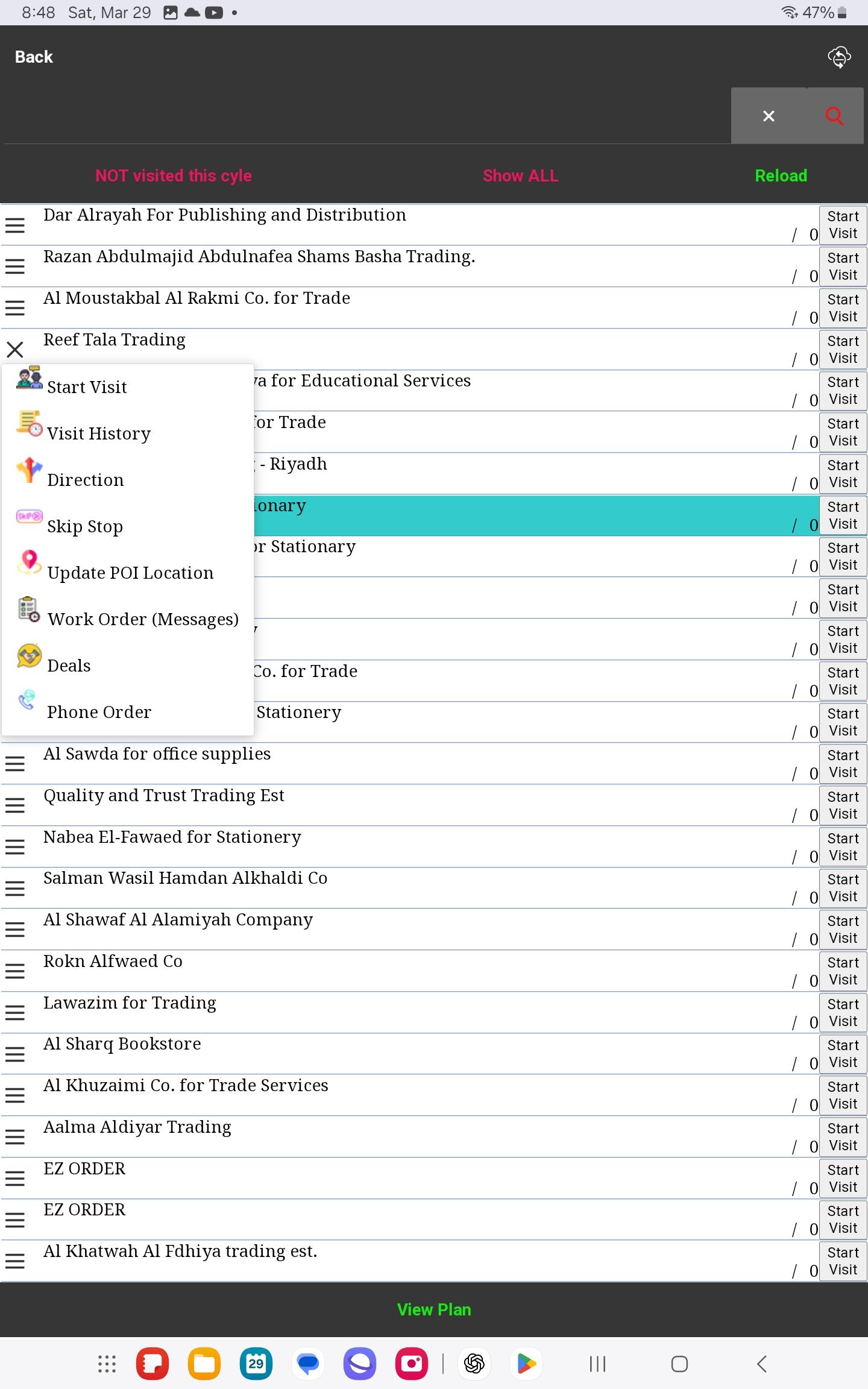
Understanding how integration links every touchpoint can help you enhance your forecasting capabilities. Here’s how connecting CRM with ERP can streamline your data.
Pharma CRM Integration Essentials
A field-first CRM makes your sales team more agile. It works even when connectivity fails, ensuring no visit goes unrecorded. Imagine every medical representative logging outcomes on the spot, painting clearer pictures for your managers. This integration ensures reps have access to customer data, enhancing visits in real-time. Plus, it aligns sales activities with supply chain efficiencies, reducing order errors and improving customer satisfaction.
Real-Time Reporting and Insight
When your CRM and ERP talk, insights become instant. You’ll see sales trends emerge as they happen, not weeks later. This lets you adjust strategies on the fly, maximizing your team’s efforts. Real-time insights mean spotting opportunities sooner and acting on them faster. The benefit? Your sales team stays one step ahead, always prepared with accurate data to support their next move.
Ensuring Data Synchronization
Synchronization between CRM and ERP is crucial for reliable data. It prevents gaps that lead to forecasting errors. When systems are in sync, you can trust the data you rely on to make key decisions. This seamless flow ensures you always have the latest information, whether a rep is online or offline. With synchronization, your team can focus on selling, not troubleshooting data discrepancies.
Architecture and Governance
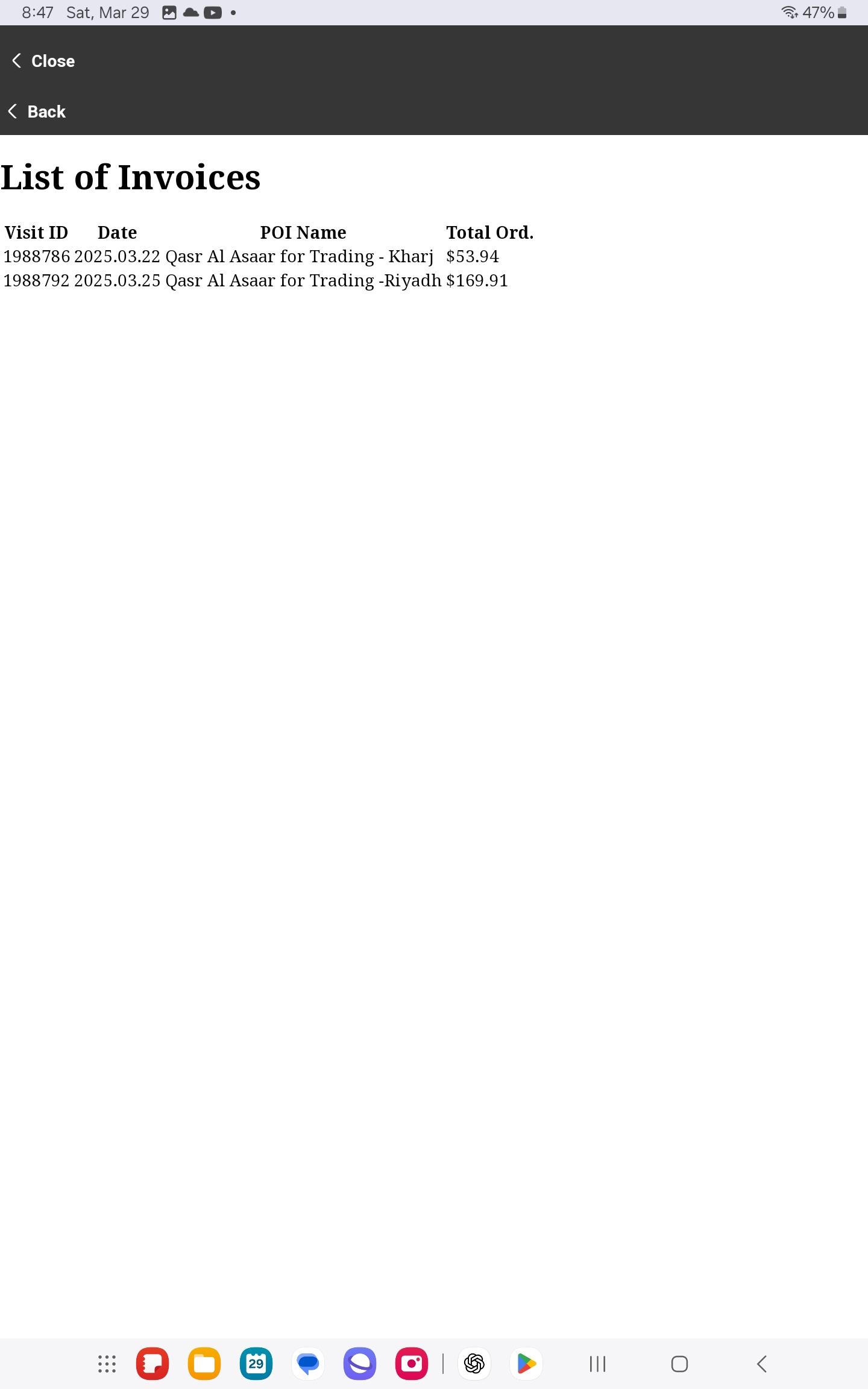
Integrating these powerful systems requires careful planning around architecture and governance, ensuring data integrity and security.
Choosing ERP Integration Options
Selecting the right ERP integration path can be daunting. Do you choose direct API connections, middleware, or an out-of-the-box solution? Each has its strengths. APIs offer flexibility, while middleware can simplify complex integrations. Out-of-the-box solutions provide speed and ease but might lack customization. Consider your company’s needs and IT capacity when making this choice.
Master Data Management Strategies
Effective master data management keeps your information consistent and reliable. It involves defining data standards and ensuring everyone adheres to them. This reduces errors and boosts confidence in your data. For example, consistent customer IDs across systems prevent duplication and streamline processes. Effective data management is the backbone of successful CRM and ERP integration.
Maintaining Effective Data Governance
With integration comes the responsibility of governance. Set clear policies for data access and handling. Regular audits ensure compliance and security, protecting sensitive information. By establishing strong governance, your organization minimizes risks and maximizes data value. This foundation is critical for trust and operational efficiency across all departments.
KPIs and Success Metrics
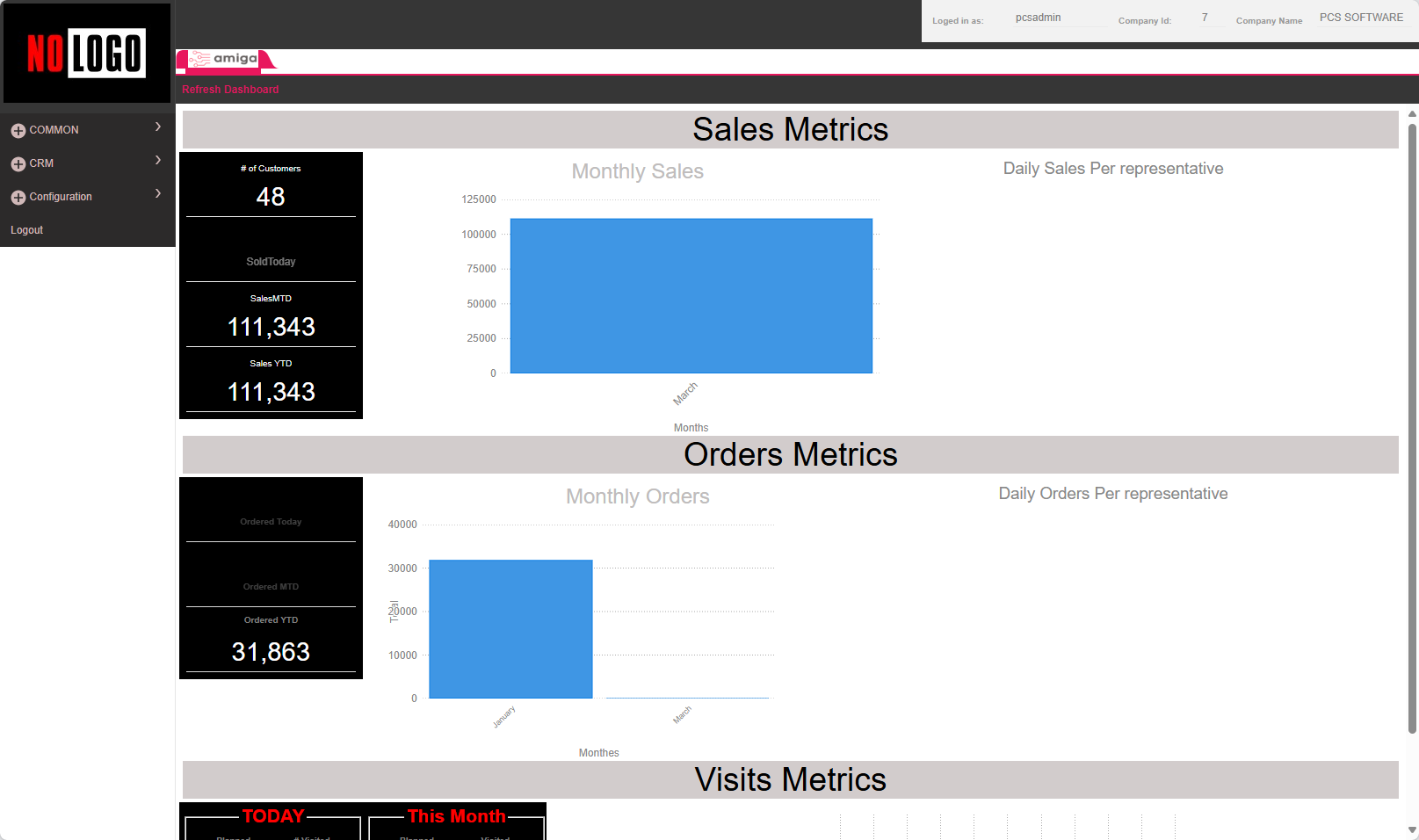
To gauge the success of your CRM and ERP integration, focus on key performance indicators that matter most.
Tracking Sales Forecasting Accuracy
Accurate forecasting is a direct benefit of integration. By linking your CRM’s sales data with your ERP’s inventory records, you’ll predict demand more precisely. This leads to better stock management and fewer missed opportunities. Tracking these metrics ensures your integration efforts translate into tangible sales improvements.
Monitoring Inventory Visibility and Coverage
Integration provides a panoramic view of inventory levels across your organization. This visibility allows for proactive management, avoiding stockouts and overstock situations. By maintaining optimal inventory levels, your company saves costs and meets customer demand promptly. It’s a win-win for sales and operations.
Evaluating Sell-In and Sell-Out Data
Analyzing sell-in and sell-out data becomes straightforward with integrated systems. By comparing these metrics, you gain insights into market demand and distribution efficiency. This evaluation helps refine marketing strategies and improve sales tactics. Understanding these metrics positions your company to adapt quickly to market changes, ensuring continued growth and success.